Download & Install
The fastest way to put anything on the internet.
Node.jsSDK
Get started with Node.js
Clone the ngrok Node.js SDK example and install dependencies:
git clone git@github.com:ngrok/node-sdk-example.git && cd node-sdk-examplenpm installRun your app
NGROK_AUTHTOKEN="<YOUR_AUTHTOKEN>" node index.jsDon’t have an authtoken? Sign up for a free account.
Open your ngrok URL in a browser to see it working!
You’re all set. What’s next?
1const tp = `2on_http_request:3 # redirect users to Google to log in4 - actions:5 - type: oauth6 config:7 provider: google8 9 # allow logins *only* from acme.com10 - expressions:11 - "!actions.ngrok.oauth.identity.email.endsWith('@acme.com')"12 actions:13 - type: deny14`;15 16const forwarder = await ngrok.forward({ addr: 8080, traffic_policy: tp });Inspect every detail of your traffic
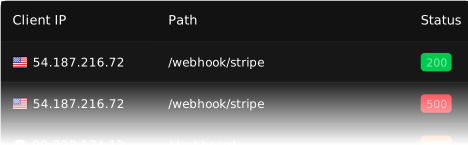
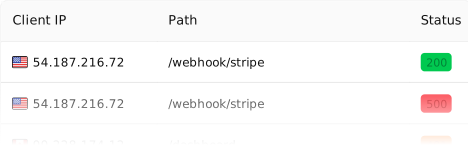
Watch the flow in real time, then dig into the headers, body, latency, response, and more for every request.
Peruse the NodeJS SDK quickstart
Follow along to embed ngrok into your app and use Traffic Policy for auth and traffic transformation.
Bring your own domain
Paid featureCreate a DNS CNAME record to use your own domain name for your endpoint URL.
1async function connectNgrok() {2 const forwarder = await ngrok.forward({3 addr: 8085,4 authtoken_from_env: true,5 domain: "app.acme.com",6 });7}Add load balancing
Endpoint Pooling lets you automatically distribute traffic among any number of replicas of your app.
1const ngrok = require("@ngrok/ngrok");2 3async function forwardToApp() {4 const session = await new ngrok.SessionBuilder().authtokenFromEnv().connect();5 const listener = await session6 .httpEndpoint()7 .domain("app.acme.com")8 // Endpoint pooling is currently only supported through the builder API, not ngrok.forward().9 .poolingEnabled(true)10 .listenAndForward("http://localhost:8085");11 console.log(`Available at: ${listener.url()}`);12}13 14forwardToApp();